
Geo & Onsite: Built for installers who get the job done

Our in-house platform makes collecting evidence easy and accurate, no matter what you’re installing

Third-party software? Nah.

We build our own stuff.

Group of five people standing indoors, smiling, and making finger heart gestures with their hands.

Any issues? give us a call

What it’s like to use Geo & Onsite on a job

Geo
For setting up the job beforehand

Screenshot of a laptop screen displaying energy trading platform interface with agreements, including STC and VIC consumer agreements, show acceptance status, contact emails, dates, and options to export or cancel agreements.

The web portal to set up jobs and finish up claims.

Orange construction hard hat with yellow reflective stripes.

Onsite app
For the install team when they go to site
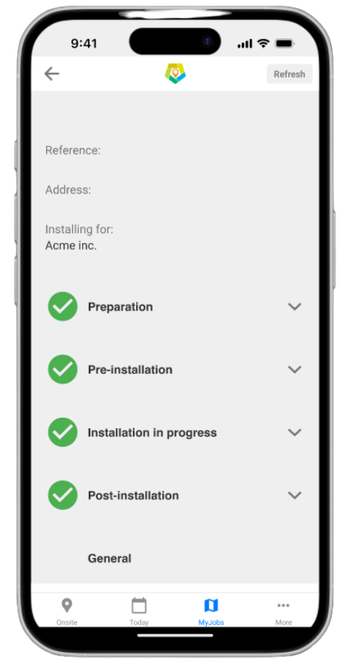
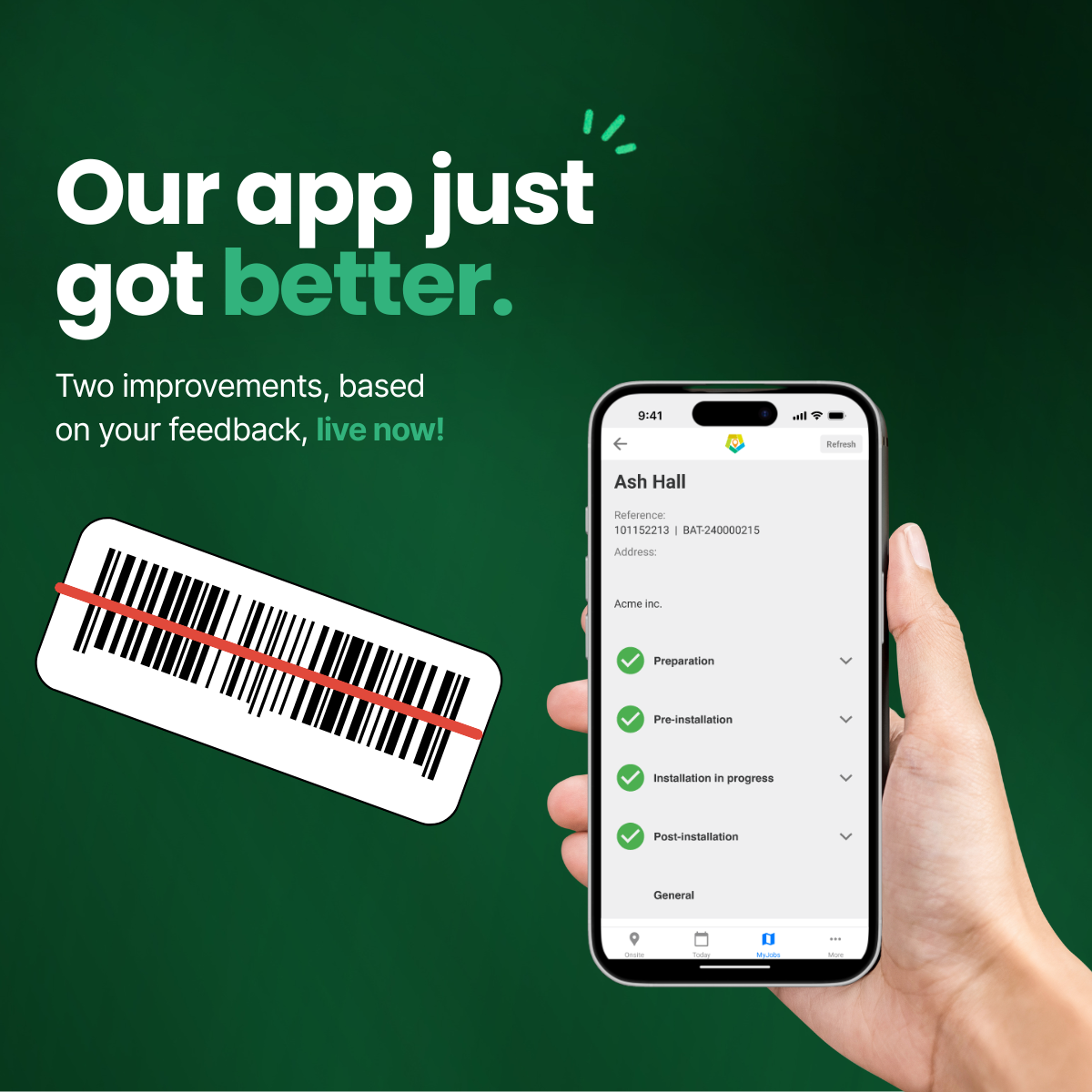
Smartphone screen displaying a mobile app interface for installation process, with steps: Preparation, Pre-installation, Installation in progress, Post-installation, each marked with a green check mark.

The mobile app installers use on site to grab photos, serials and signatures

Before you roll out

Laptop screen displaying Green Energy Trading platform with agreements and options for managing agreements.
  • Set up the job in Geo

  • Enters all details you already know

  • Assigns the job to an installers so it appears on the app.

Mobile phone screen displaying a software installation progress tracker with checkmarks for preparation, pre-installation, installation in progress, and post-installation stages, under 'My Jobs' tab.

On the Day

Installer:

  1. Open Onsite and log in

  2. Tap into Today’s Jobs or Jobs Near Me

  3. Confirm you’re at the right address

  4. Work through the checklist:

    • Scan serials

    • Take photos

    • Send the agreement to the customer for a digital signature

Onsite saves as you go, so if you get interrupted or your phone dies, your work is still there.

After you leave site

Screenshot of a computer screen displaying Green Energy Trading software with contracts, including STC and VIC consumer agreements, acceptance status, email, phone number, and options to export or cancel agreements.

You can double check if everything is in place:

  • See all photos, serials and signed forms in one place

  • Submit to us for processing

If anything’s missing, you can spot it quickly and let installers know before they leave the site.

Geo - For people too busy to chase paperwork

Processing can take a huge chunk of time, so we try to make things a bit easier

  • You or someone else sets up jobs and can see all assignments at once

  • See your Onsite photos, serials and signed forms in one place

  • Geo/Onsite provide Clear checklists show when a job is ready to submit

  • Less need to return to site “one more detail”

Onsite - Built for installers who keep the tools moving

No more:

  • Hunting through old texts and photos for serial numbers

  • Getting calls from the office asking for “one more photo”

  • Filling in clunky web forms on your phone after hours

With Onsite:

  • The job is already set up beforehand.

  • You open the app, tap the job, and just work through a simple checklist

  • When you’re done, you’re actually done

Less time on your phone, more time on the tools

Frequent updates and support from our team

Easy-to-follow process for all your activities

Together, they help you tick off what’s needed to get your incentive paid faster.

How does it feel to use Geo & Onsite?
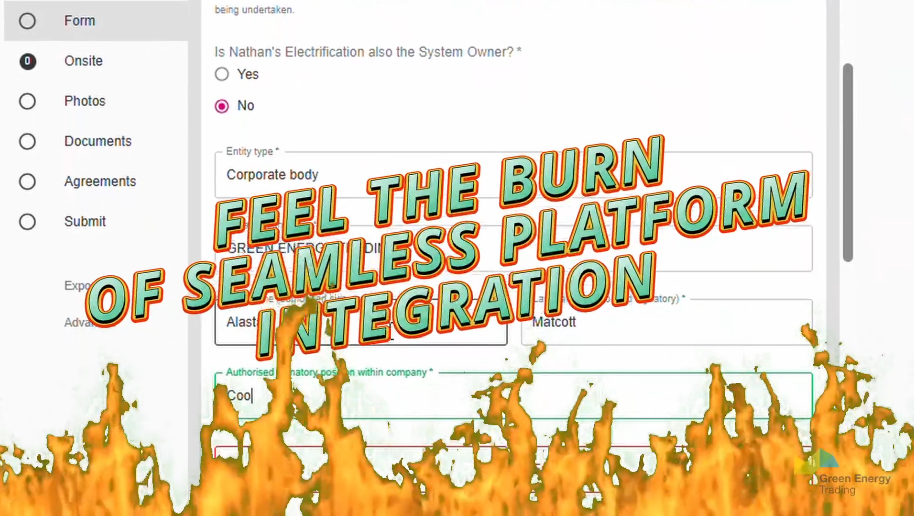
A digital form on a computer screen with a fiery overlay at the bottom and bold text that says 'FEEL THE BURN OF SEAMLESS PLATFORM INTEGRATION' in orange and teal colors.
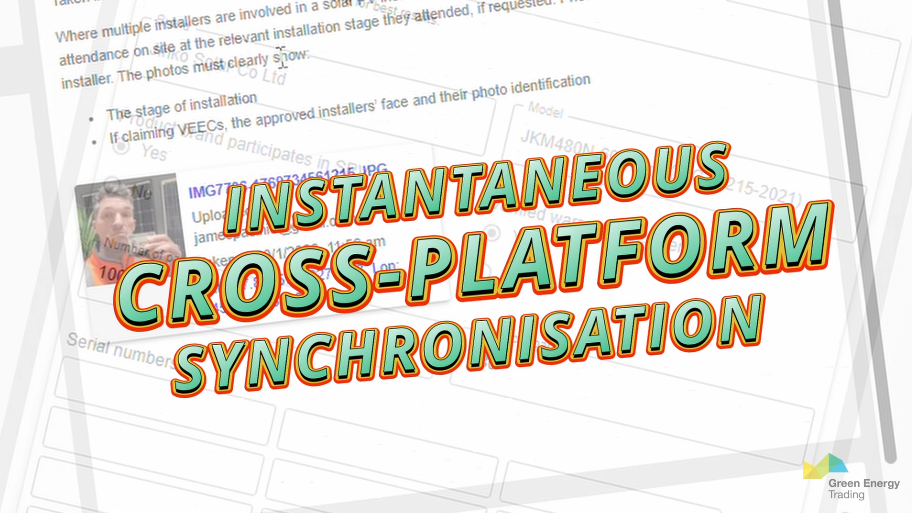
Text overlay on a digital background reading 'INSTANTANEOUS CROSS-PLATFORM SYNCHRONISATION' in colorful, bold font, with a faint blurred background of computer screens and text.
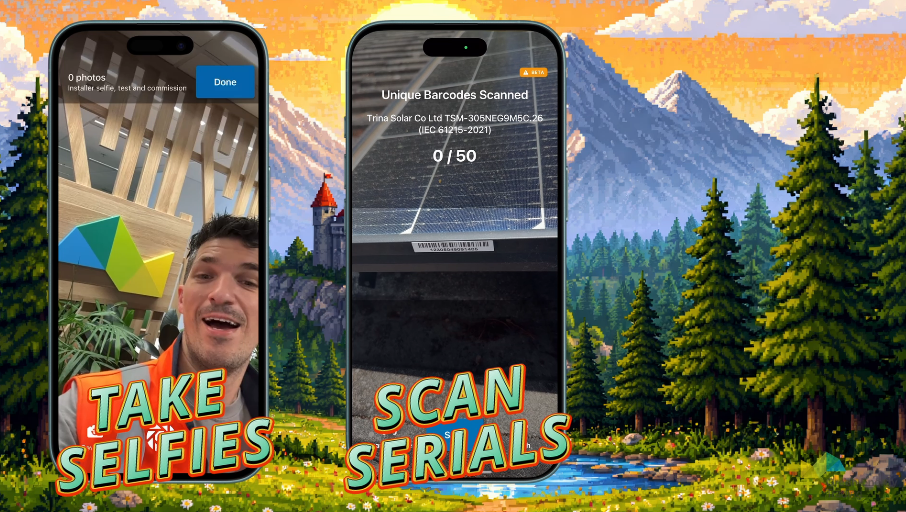
Two smartphones showing different apps against a painted mountain landscape background. The left phone displays a selfie of a man inside a modern space with trees and geometric decor, with text 'Take Selfies'. The right phone shows a barcode scanning app, with text 'Scan Serials'.
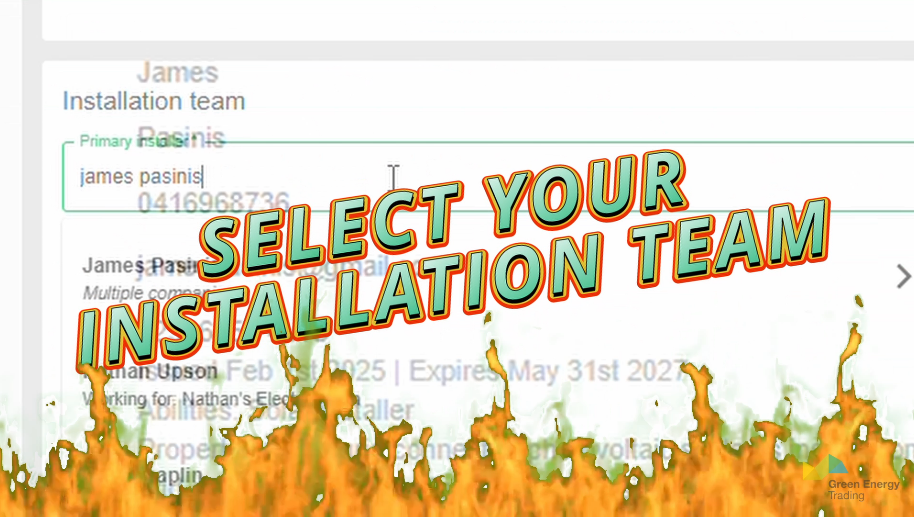
A digital interface with the text 'Select Your Installation Team' overlaid on a background of flames and a partial computer screen showing a form for entering personal and installation information.
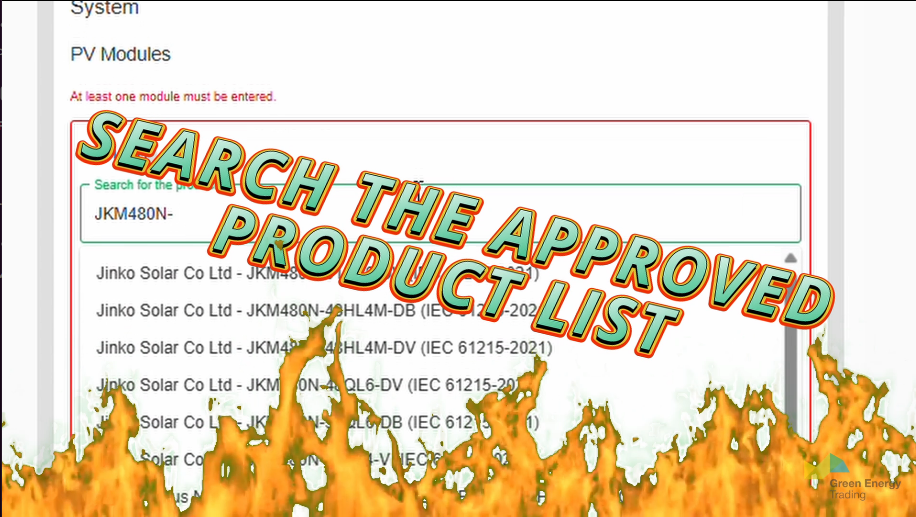
Superimposed text on a computer screen that says 'SEARCH THE APPROVED PRODUCT LIST' with a background of a fiery flame at the bottom.
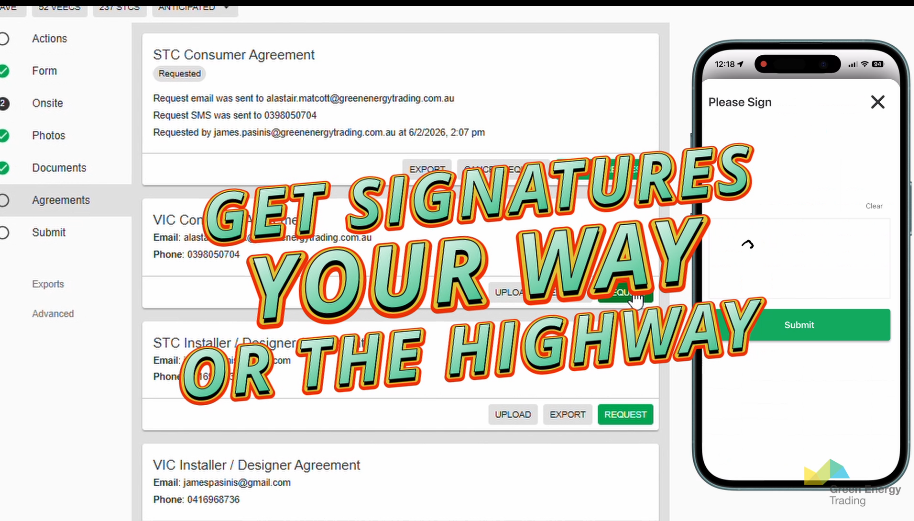
A colorful overlay text says, "GET SIGNATURES YOUR WAY OR THE HIGHWAY," in front of a screenshot of an online agreement form and a mobile phone screen showing a signature request interface.
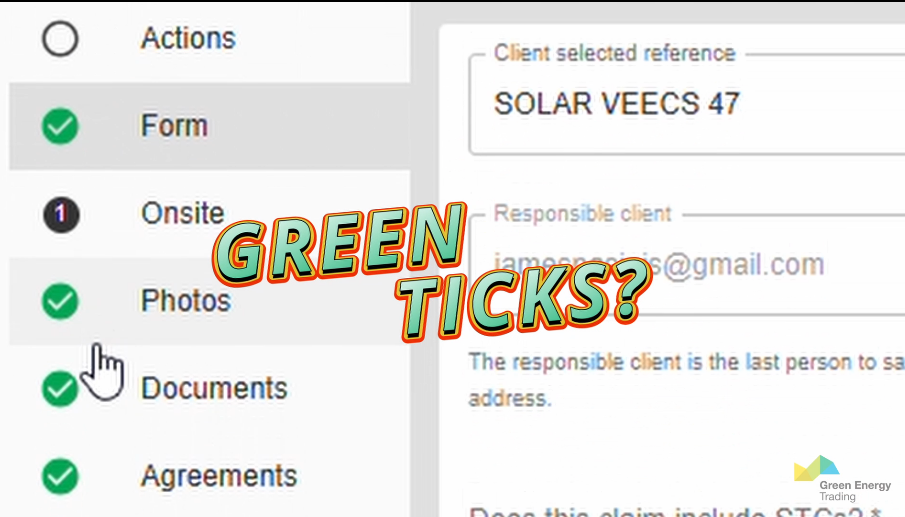
Screenshot of an online form or dashboard with sections labeled Actions, Form, Onsite, Photos, Documents, Agreements. The Photos and Documents sections have green check marks next to them. Text overlaid on the image says "GREEN TICKS?" in bold, colorful letters.
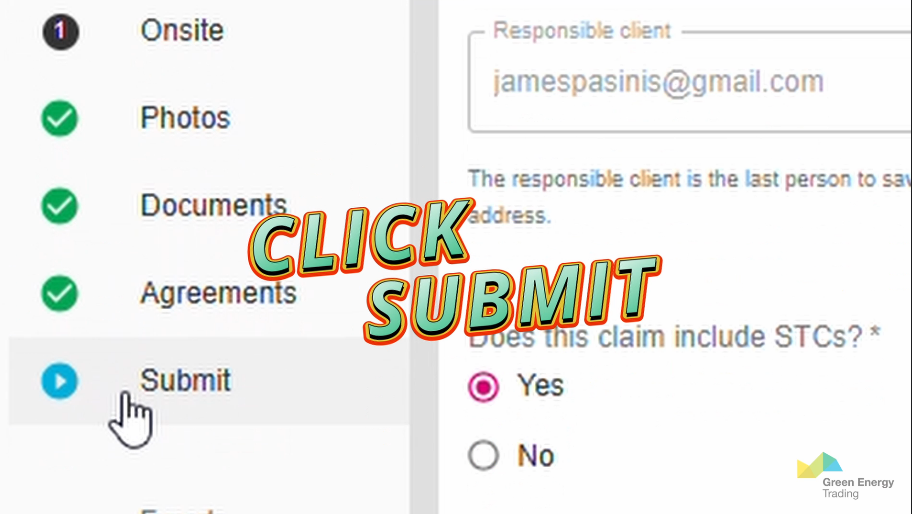
A digital form on a computer screen with a large, colored overlay text saying 'CLICK SUBMIT' and a cursor clicking on a blue 'Submit' button. The form includes checkboxes for 'Photos,' 'Documents,' 'Agreements,' and 'Submit,' with some marked with green checkmarks. The form asks for a responsible client's email and whether a claim includes STCs, with options 'Yes' and 'No'.

Geo/Onsite helps you sort your paperwork to get incentives for:

Solar PV

Batteries

Water Heating

AC

Commercial & Industrial Solar

Multiple activities

with one single platform

Multiple incentives

with one single form

Quickly find and export all your Assignments with Geo
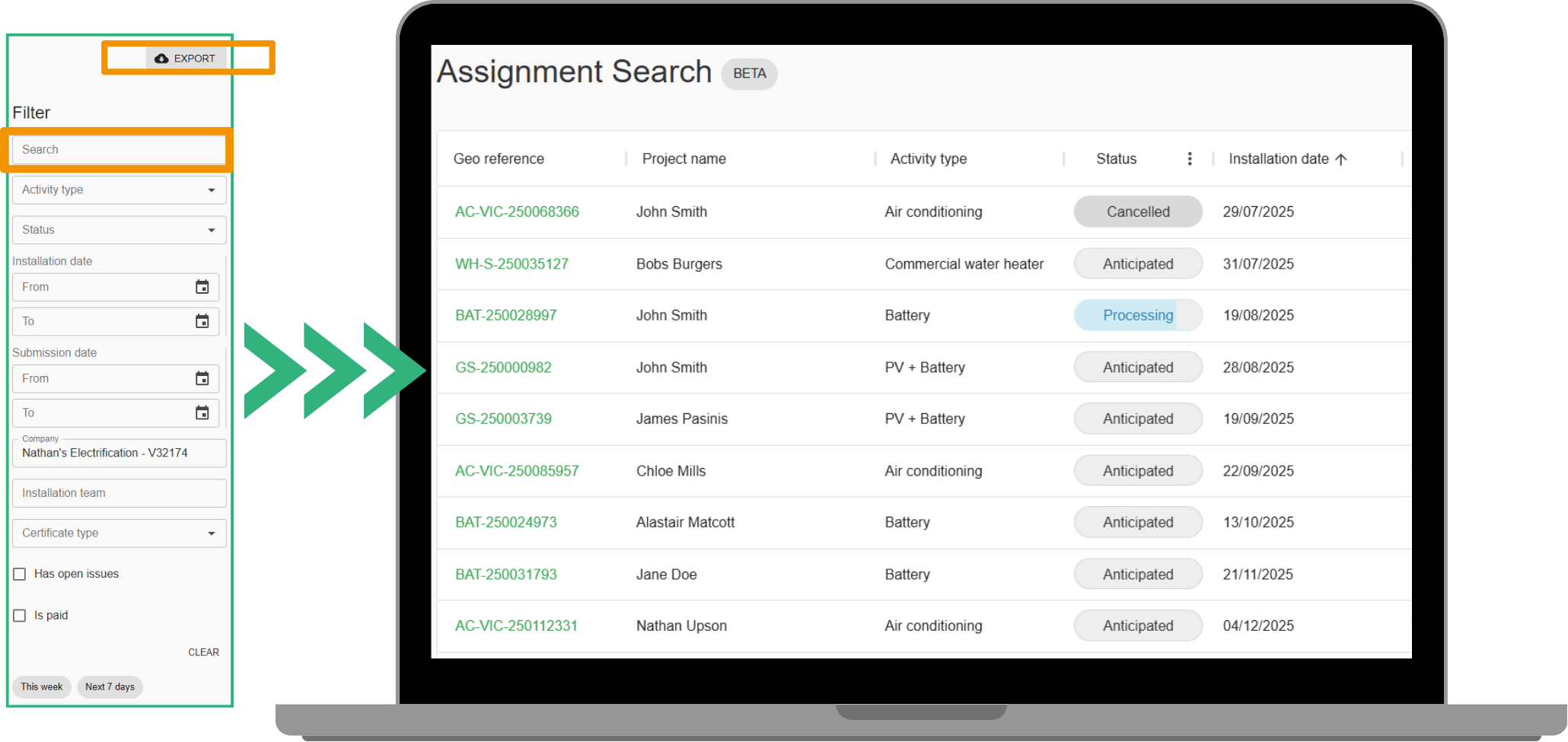
Computer screen displaying an assignment search interface with a list of project details, including project IDs, names, activity types, statuses, and dates, along with a filter sidebar and an export button.
Hand holding a smartphone displaying a progress checklist on the screen.

Easy Checklists?

Onsite is

your friend

Recent Updates on Geo/Onsite